

I Almost Failed at a "Simple" Auto Clicker
The “Clean App” Vision
After 8 years in the professional Android ecosystem, I thought I had seen it all. But when I looked for a simple auto-clicking tool, I was frustrated. Most apps on the market are bloated with intrusive ads, confusing UIs, and high risks of accidental clicks.
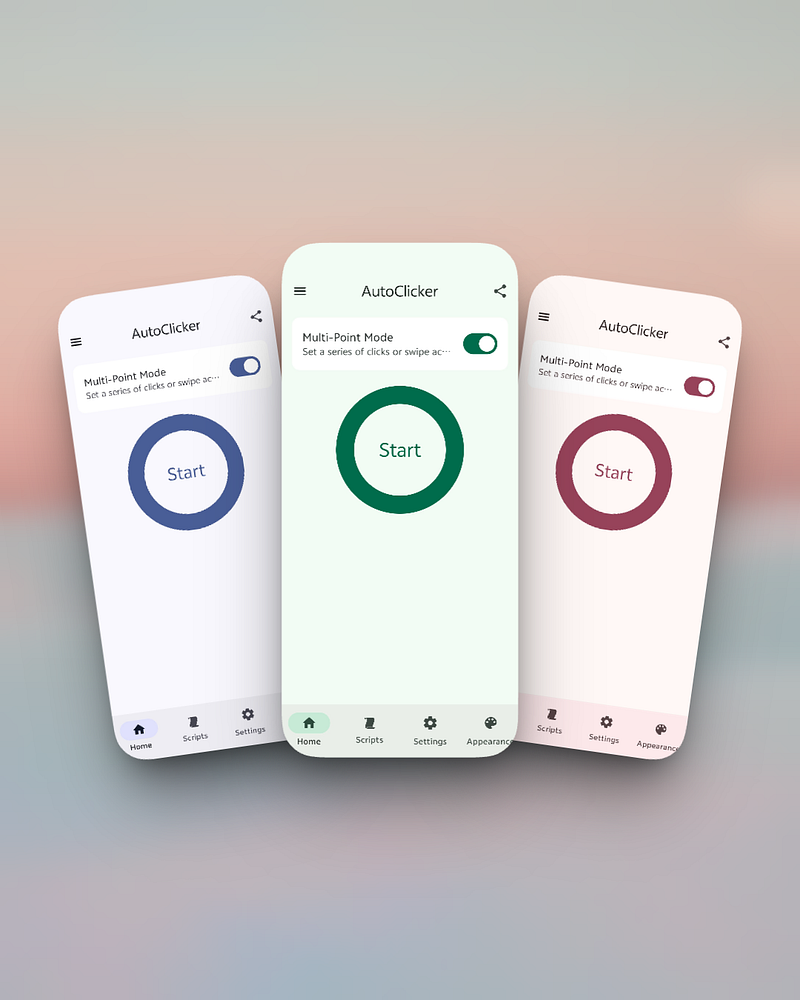
I decided to create a professional alternative. That’s how Auto Clicker Fast — Auto Tap was born. My goal was a pure, elegant, and high-performance tool built with a modern stack: Jetpack Compose 3 and Material Theme Builder.
The Challenge: The 1-Second Loading Nightmare
Developing the initial version was a joy until I hit the “complexity wall.” In the early stages, if a user tried to load a complex script — say, instantaneously deploying 20 click points in 1 second — the app would stutter.
Even with 8 years of experience, I was caught off guard. Compared to some veteran (but ugly) competitors, my initial UI rendering felt a split-second slower. Even worse, high-frequency clicking occasionally triggered the dreaded ANR (Application Not Responding).
The Technical Deep Dive: WindowManager vs. Performance
I spent weeks analyzing why loading multiple points simultaneously was so resource-intensive. Most developers don’t realize that each floating click point in an auto clicker is usually managed via WindowManager.addView.
● The Weight of Windows: Each window is a heavy system object. When you try to “batch-load” dozens of independent windows in a single second, the IPC (Inter-Process Communication) overhead and system-level rendering pressure skyrocket.
● The “Passthrough” Dilemma: I tried using a single full-screen Canvas (which is much faster), but it created a “dead zone” where users couldn’t interact with the app underneath.
The Breakthrough: Smoothly Handling 100+ Nodes
I refused to settle for “good enough.” I went through 30+ AI-assisted optimizations and created over 10 experimental branches to refactor the core dispatching logic.
Today, Auto Clicker Fast has shattered that performance ceiling.
● The “100-Node” Standard: My app now supports loading 100+ click points simultaneously without a single frame drop.
● Instant Deployment: Whether you are loading a 5-point simple loop or a massive 100-point complex script, the UI populates in under a second, maintaining a silky-smooth 60/120 FPS.
Lessons in Humility
This project taught me to respect every line of code. Auto Clicker Fast isn’t just a side project; it’s a masterclass in Android performance optimization.
I am still optimizing it every single day — refining the randomness algorithms to prevent anti-cheat detection and ensuring it remains the most lightweight, high-performance tool for gamers and power users alike.